
Turn your photos into paintings, sketches and drawings
FotoSketcher turns any photo into a painting, sketch or drawing in seconds - using real image-processing algorithms, not AI, that run on your own computer.
Three steps from photo to artwork
FotoSketcher is quick to learn and gives you full control. Open a picture, choose a style, and fine-tune the result until it looks the way you want.
Open a photo
Open any JPG or PNG from your computer, whether it's a portrait, a landscape or a photo of your pet.
Pick a style
Choose from pencil sketches, oil and watercolour paintings, pen & ink, pastels and more, then adjust the settings to suit your image.
Save and share
Export a high-resolution image to print, keep or share. No watermarks are added.
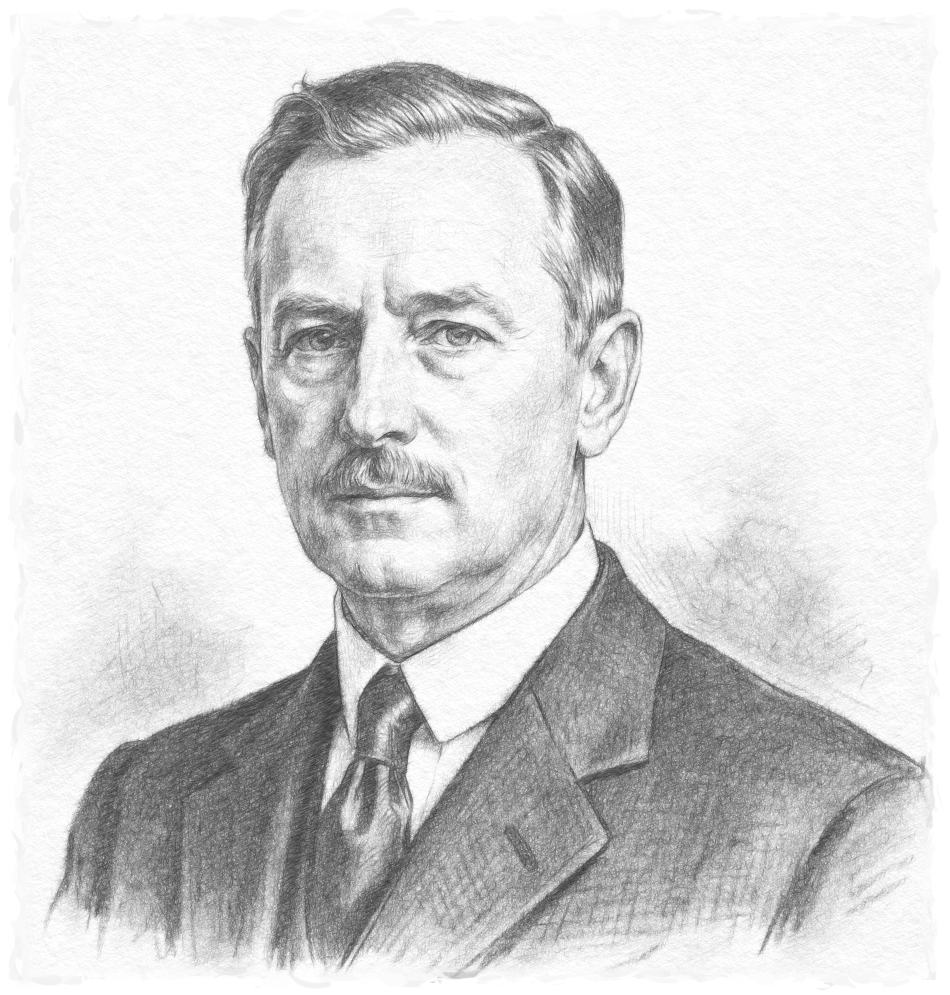
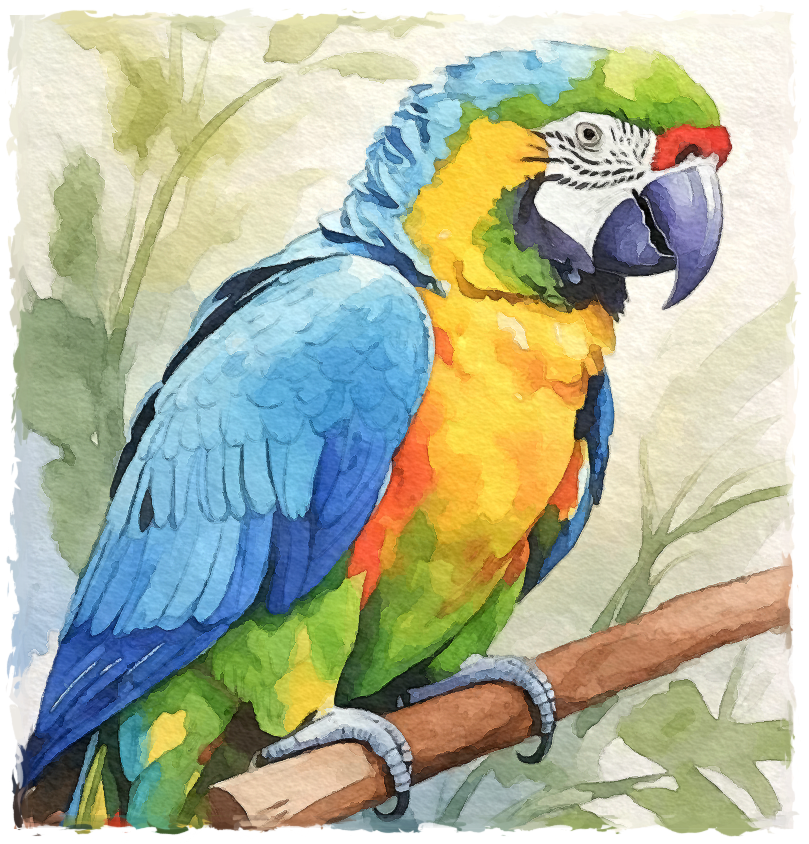
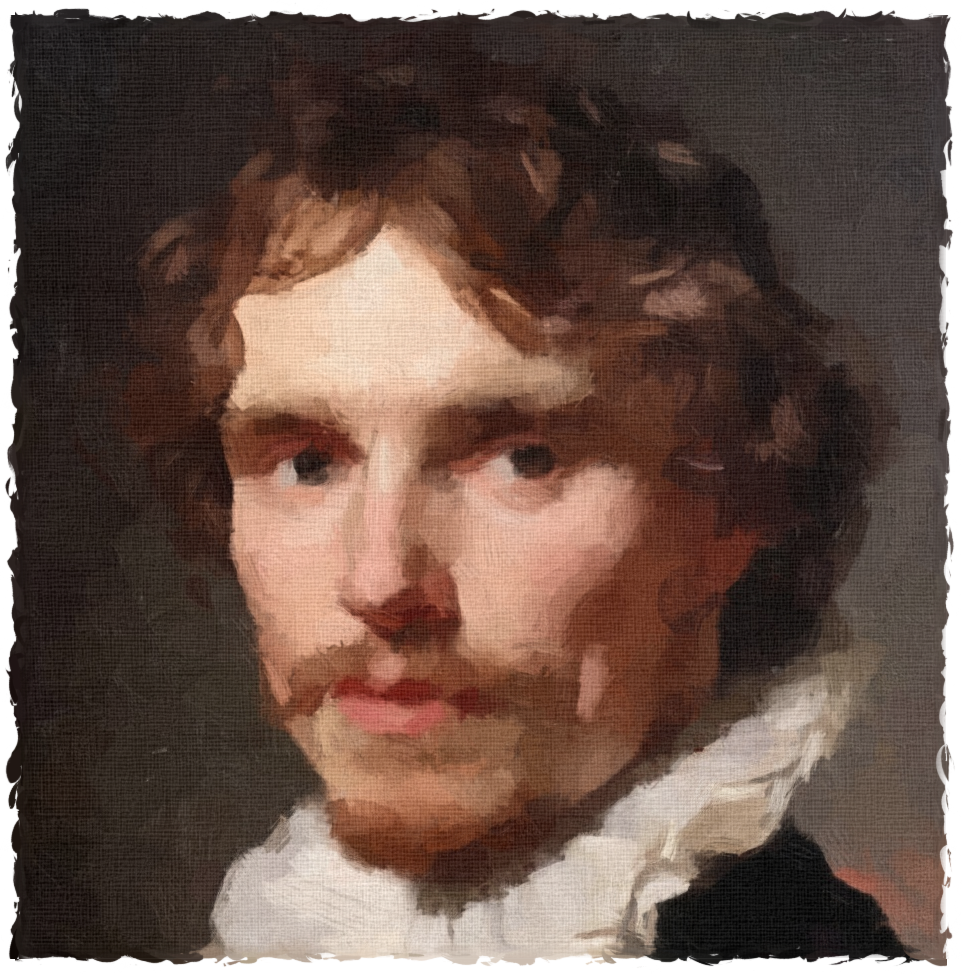
A range of artistic styles
Every effect is adjustable, so the same photo can become a soft watercolour or a bold ink drawing.
What you get
Genuinely free
The full app is free to download and use. No trial timer, no locked features, no "pro" upsell.
No subscription
Download once and keep it. No monthly fees, no account, no credit card.
Local processing
Your photos are converted on your own machine and never uploaded to a server. Your pictures stay private.
Trusted since 2007
Built and maintained for over 15 years, with more than 15 million downloads worldwide.
Not AI
FotoSketcher uses real, deterministic image-processing algorithms, not generative AI. Your photos aren't sent to a model or used for training, and the same settings always produce the same result.
Freshly redesigned
A modernized, easier-to-use interface, now on both Windows and macOS, with the same fast, offline workflow.
Frequently asked questions
Is FotoSketcher really free?
Yes. FotoSketcher is free to download and use, with no subscription and no hidden costs. It's supported by voluntary donations, so if you enjoy it you're welcome to chip in, but you never have to.
Does it work without an internet connection?
It does. All of the photo-to-painting processing happens locally on your computer, so once it's installed you can use it completely offline. Your images are never uploaded anywhere.
What can I turn my photos into?
Pencil and charcoal sketches, oil and watercolour paintings, pen & ink drawings, pastels, cartoons and more, with over 20 effects in total, each with adjustable settings.
Does FotoSketcher use AI?
No. FotoSketcher relies on classic, hand-built image-processing algorithms rather than generative AI. Nothing is uploaded, no AI model sees your pictures, and your photos are never used as training data. The transformation runs entirely on your own machine and is fully repeatable.
Which systems does it run on?
FotoSketcher is a desktop application for both Windows and macOS, with a freshly modernized interface. It's lightweight and runs well even on older machines.
Are there watermarks on my artwork?
No. Anything you create is yours to keep, print and share at full resolution, with no watermark added.
Ready to get started?
More than 15 million people have used FotoSketcher to turn their photos into paintings, sketches and drawings.